TuxGuitar1.5.6
Publisher Description
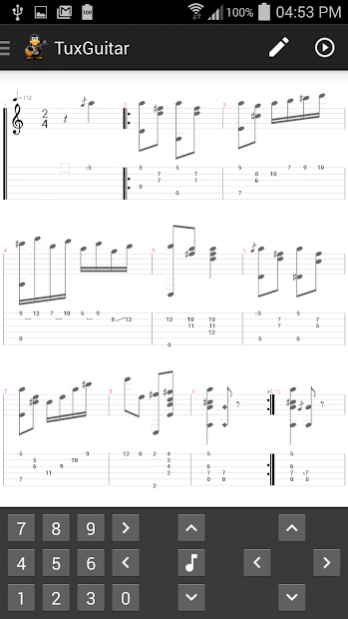
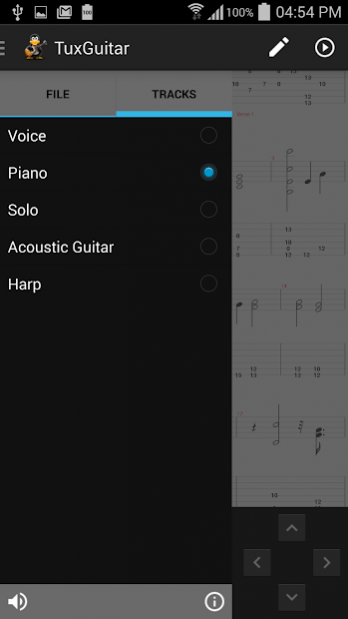
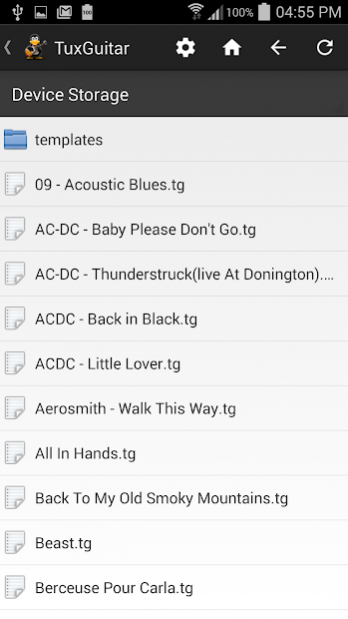
TuxGuitar is an Open Source multitrack tablature editor and player.
This paid release does not contain ads
With TuxGuitar, you will be able open Guitar Pro and PowerTab files and compose music using the following features:
-> Tablature editor
-> Score Viewer
-> Autoscroll while playing
-> Note duration management
-> Various effects (bend, slide, vibrato, hammer-on/pull-off)
-> Support for triplets (5,6,7,9,10,11,12)
-> Repeat open, close and alternative endings
-> Time signature management
-> Tempo management
Copyright (C) 2005 Julian Gabriel Casadesus
TuxGuitar project: http://www.tuxguitar.com.ar
TuxGuitar community: http://community.tuxguitar.com.ar
Selling this build helps keep alive this project. you can get tuxguitar without pay by building it's source code.
This product include plugins based on third party open source projects:
-> OpenJDK : http://openjdk.java.net/
-> Gervill: https://java.net/projects/gervill/pages/Home
-> iText (Free Java-PDF library): http://www.lowagie.com/iText/
About TuxGuitar
The company that develops TuxGuitar is Julian Casadesus. The latest version released by its developer is 1.5.6.
To install TuxGuitar on your Android device, just click the green Continue To App button above to start the installation process. The app is listed on our website since 2022-04-22 and was downloaded 57 times. We have already checked if the download link is safe, however for your own protection we recommend that you scan the downloaded app with your antivirus. Your antivirus may detect the TuxGuitar as malware as malware if the download link to org.herac.tuxguitar.android.activity.noads is broken.
How to install TuxGuitar on your Android device:
- Click on the Continue To App button on our website. This will redirect you to Google Play.
- Once the TuxGuitar is shown in the Google Play listing of your Android device, you can start its download and installation. Tap on the Install button located below the search bar and to the right of the app icon.
- A pop-up window with the permissions required by TuxGuitar will be shown. Click on Accept to continue the process.
- TuxGuitar will be downloaded onto your device, displaying a progress. Once the download completes, the installation will start and you'll get a notification after the installation is finished.
Program Details
System requirements
Download information
Pricing
Version History
version 1.5.6
posted on 2022-04-22
Fix TuxGuitar Sequencer latency issues
version 1.5.5
posted on 2022-02-14
Bug fix release
version 1.5.1
posted on 2018-07-23
Improves MIDI player performance on some devices
version 1.4
posted on 2016-12-28
Fix a problem with Undo/Redo actions
